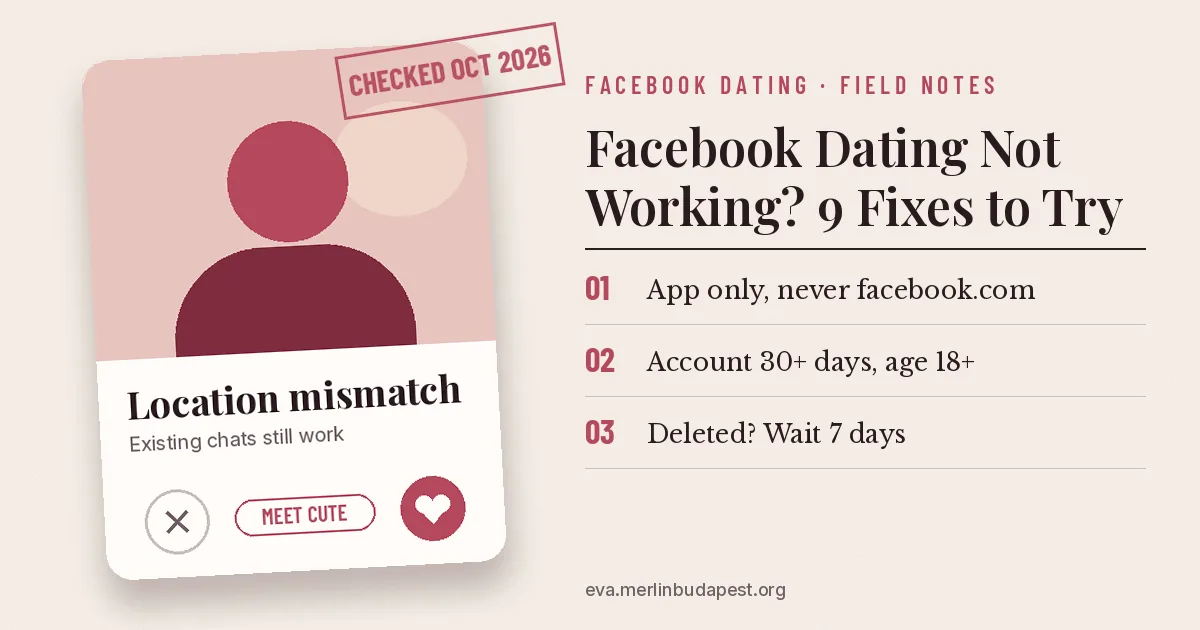
When Facebook Dating is missing or stops working, the cause is almost always one of five things: you’re on a browser instead of the app, your account is under 30 days old, you live outside the countries where Dating runs, Meta has restricted your account, or your Dating location no longer matches your phone’s location. Update the app, then work through the checks below in order.
- Dating only works in the Facebook app for Android and iPhone, never on facebook.com.
- “Can’t make new matches” almost always means a location mismatch. You can still message existing matches while you fix it.
- Deleted your profile recently? You must wait seven days before making a new one.
Match the symptom to the fix
| What you see | Likely cause | Fix |
|---|---|---|
| No Dating in the menu | Old app, new account, wrong country, or under 18 | Steps 1 to 4 |
| Dating opens but shows nobody | Location Services off | Step 5 |
| “Location mismatch” or no new matches | Dating location differs from your primary location | Step 6 |
| Prompt to record a video selfie | Profile verification | Step 7 |
| “Limit reached” | Profile deleted in the last seven days | Step 8 |
| Dating was there, now gone | Account restriction | Step 9 |
Fix Facebook Dating, step by step
- Use the app. Meta only offers Dating in the Facebook app for Android and iPhone. The desktop site and mobile browsers won’t show it.
- Update the Facebook app. Open the Play Store or App Store, search Facebook, and tap Update if it’s offered. New Dating features reach old app versions last, if at all.
- Look under See more. Tap Menu, then See more. Dating is often tucked in that list rather than shown as a shortcut.
- Check you qualify. Meta requires you to be at least 18 (by the birthday on your Facebook account), to have an account at least 30 days old in good standing, and to live in a country where Dating is available. Brand-new accounts have to wait.
- Turn on Location Services for Facebook. Dating won’t show or match you with anyone until Location Services confirms your primary Dating location. On iPhone: Settings > Facebook > Location. On Android: Settings > Apps > Facebook > Permissions > Location.
- Update your Dating location. In Dating, tap Profile (top right) > Dating preferences > Dating location > Update. Switch off any VPN first; Meta says a VPN can cause the mismatch.
- Finish verification. If Dating asks for a video selfie, you can’t use it until you send one. The selfie must match a photo on your Dating profile, and updates arrive in your notifications.
- Wait out the seven days. If you deleted your Dating profile, Meta blocks a new one for seven days and shows “Limit reached” until then.
- Check for a restriction. Meta can remove Dating from accounts that went against its Terms or Community Standards, or that look new or inactive. Its help page lists this as a reason but gives no separate Dating appeal.
Still stuck after all nine? Clear the app’s cache on Android (Settings > Apps > Facebook > Storage > Clear cache) or delete and reinstall the app on iPhone. These are general app fixes, not Meta-documented Dating steps, but they clear stale app data.
Edge cases
- You moved or are traveling. Your primary Dating location stays where you signed up until you change it. Your Facebook location catches up on its own, but it can take time.
- You don’t want to share location. You can switch Location Services off after your profile is set up; you’ll keep seeing people near your last confirmed Dating location. Meta’s own suggestion, if you can’t confirm a location at all, is to delete your Dating profile.
- A new feature is missing. Meet Cute and the dating assistant reach accounts in waves. Not having them is not a fault.
New to all this? Start with how Facebook Dating works.
FAQ
Why did Facebook Dating disappear from my menu?
Check under See more first. If it’s truly gone, the usual reasons are an out-of-date app, a change in your account standing, or an account Meta flags as new or inactive.
Why can’t I make new matches?
Your Dating location and your primary location don’t match. Update your Dating location and turn off any VPN. You can keep messaging current matches meanwhile.
Does Facebook Dating work in Australia or India?
No. Neither country is on Meta’s list, and nothing in Africa is either. A VPN won’t get around it because Dating checks your real location.
How do I contact Facebook about Dating?
Meta’s help pages offer a “Chat with Meta AI support assistant” option. For a specific person or conversation, use Report inside Dating.
Steps checked against Meta’s Help Centre for the Facebook app on Android and iPhone, October 2026. Sources: Who can use Facebook Dating (Meta), Location mismatch on Facebook Dating (Meta), How location services work with Dating (Meta), Dating profile verification (Meta).